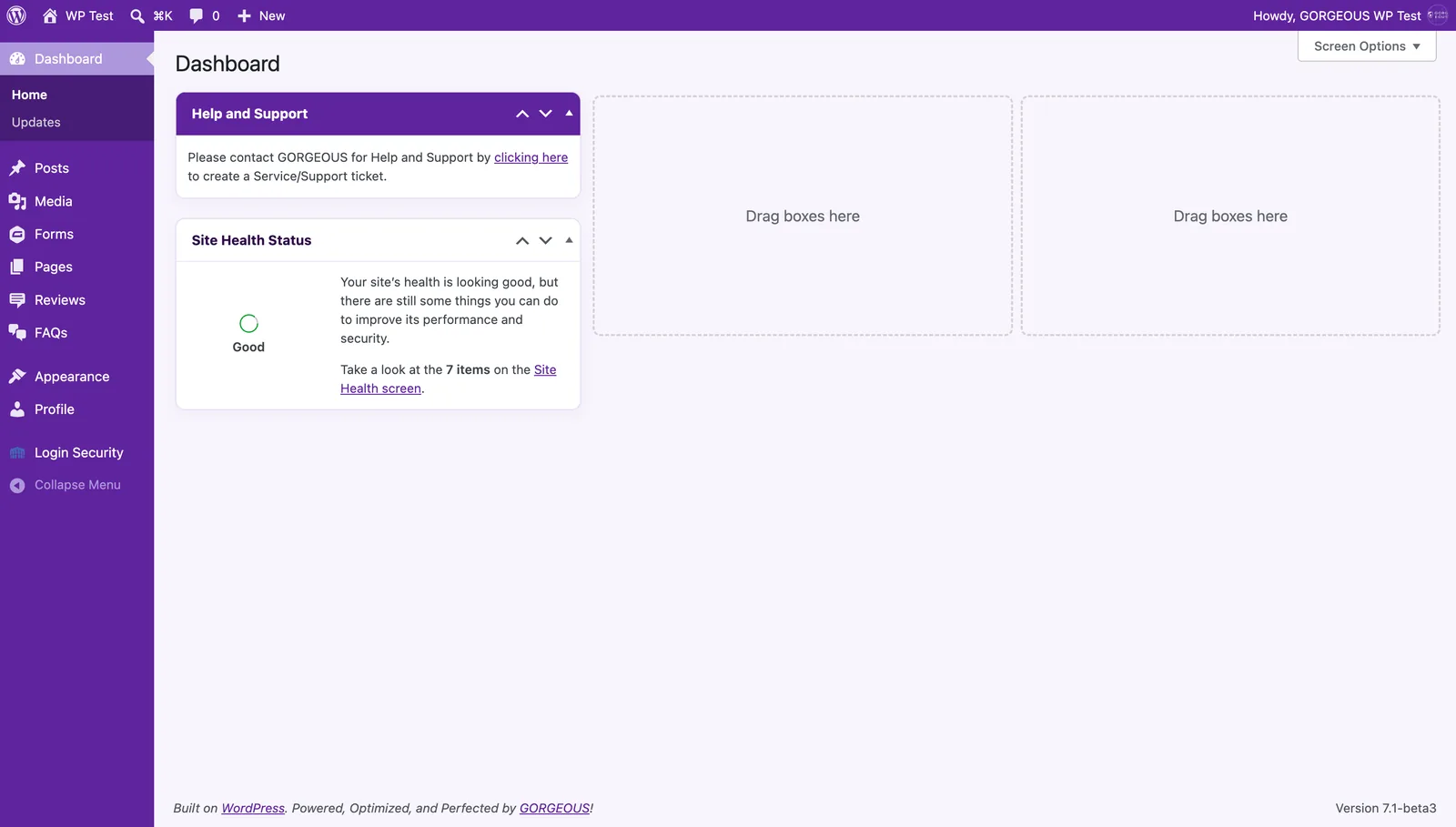
- The dark bar up top — your site name jumps to your live site; your account sits on the right.
- The purple menu on the left is where you’ll live:
Posts,Media,Pages,Appearance(for menus), plusProfileandLogin Securityfor your account. - The middle is your work area. The Help & Support box opens a support ticket with us.
You’re using a custom WordPress experience we built for your team, so the higher-level technical pieces (updates, plugins, security, settings) are handled on our side. Your workspace stays focused on what you manage every day.