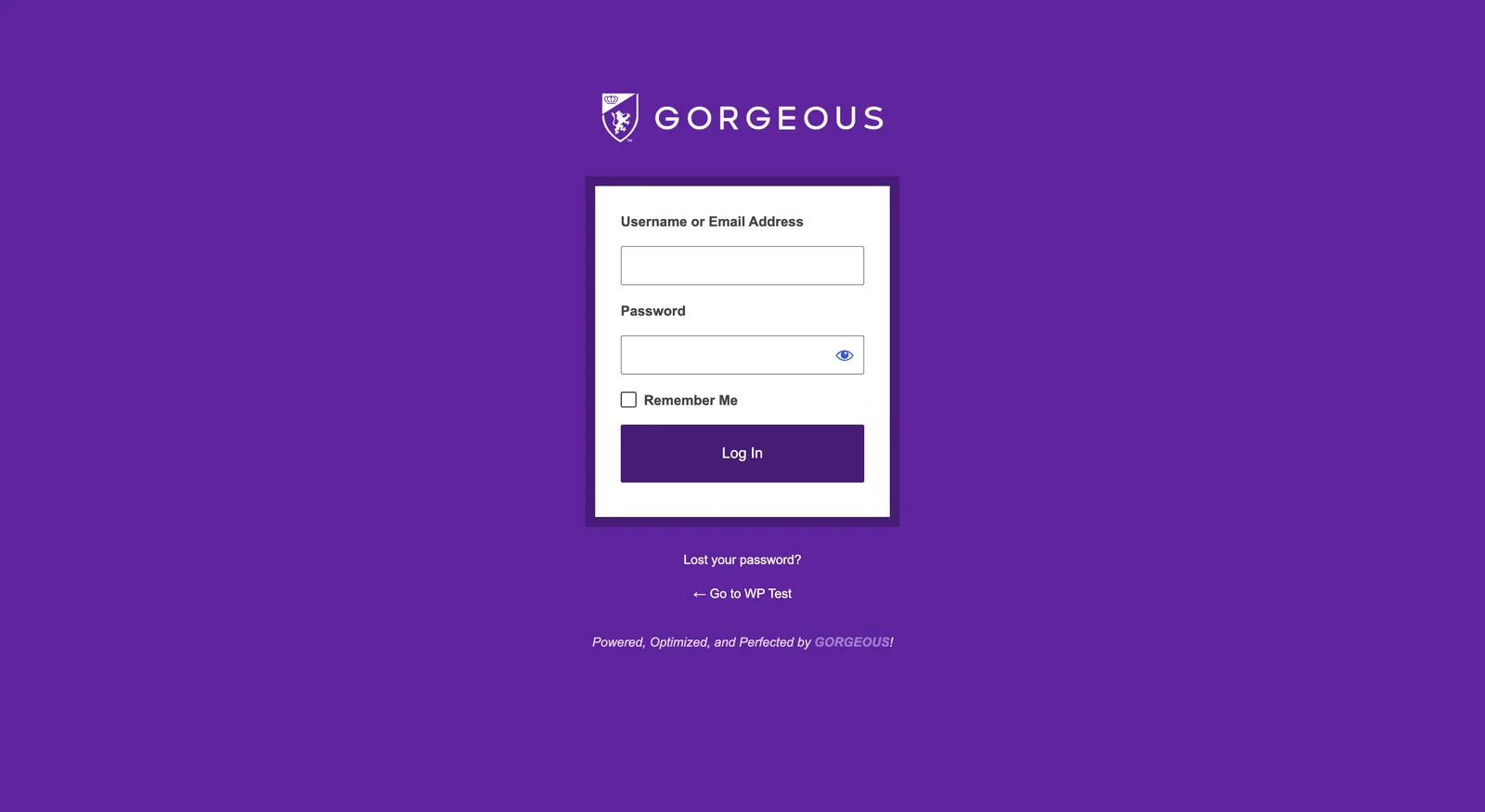
- Go to
yoursite.com/wp-admin— bookmark it so it’s always one click away. - Enter your username or email and password, then click
Log In. - On your own computer, tick
Remember Meso you stay signed in. - Forgot your password? Click Lost your password? and we’ll email you a reset link.
Once you’re in, a dark bar appears across the top of your site — that just means you’re logged in. Visitors never see it.