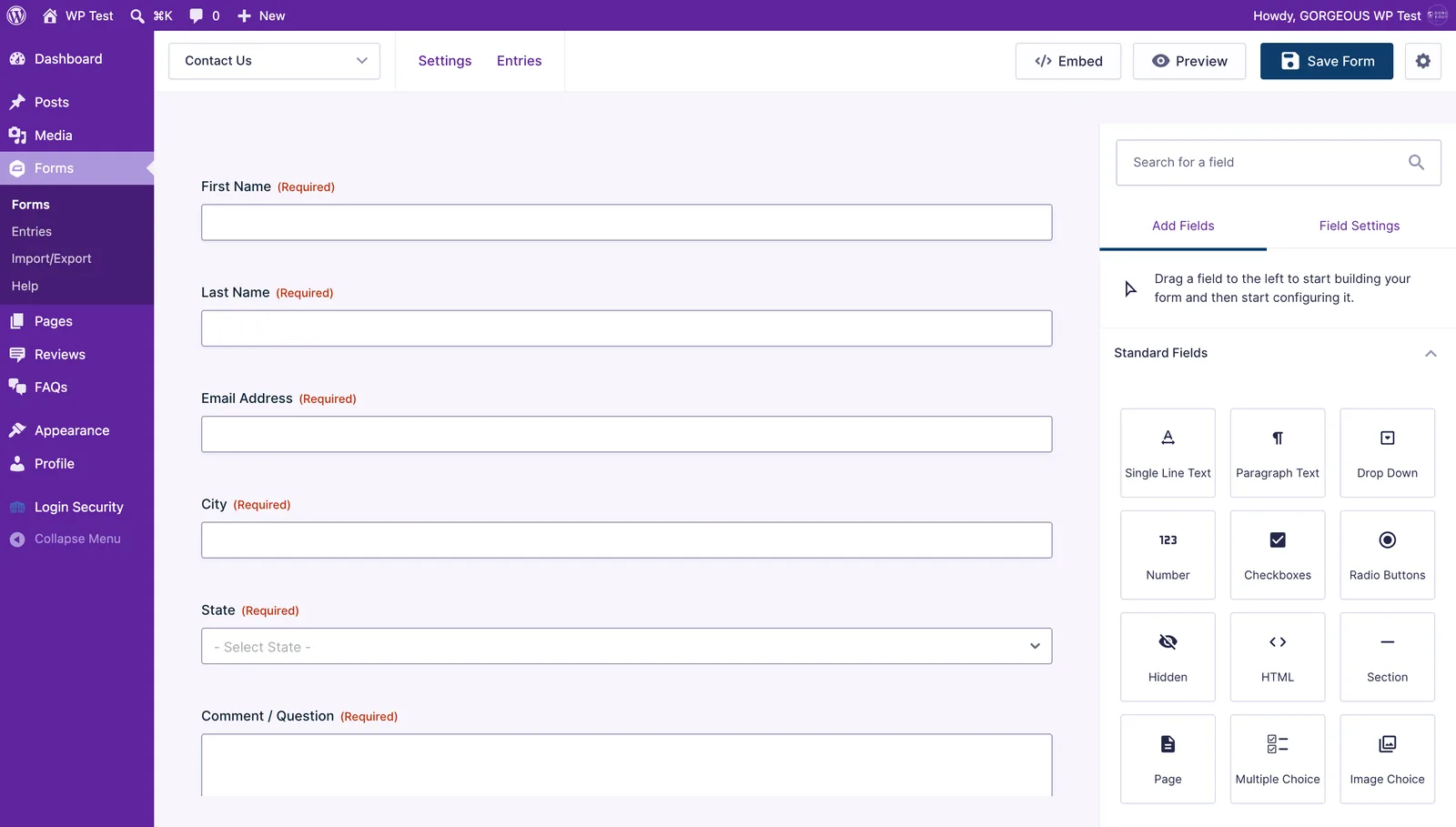
Your site’s forms (like Contact Us) are built with Gravity Forms. Here’s how to open one and adjust its fields.
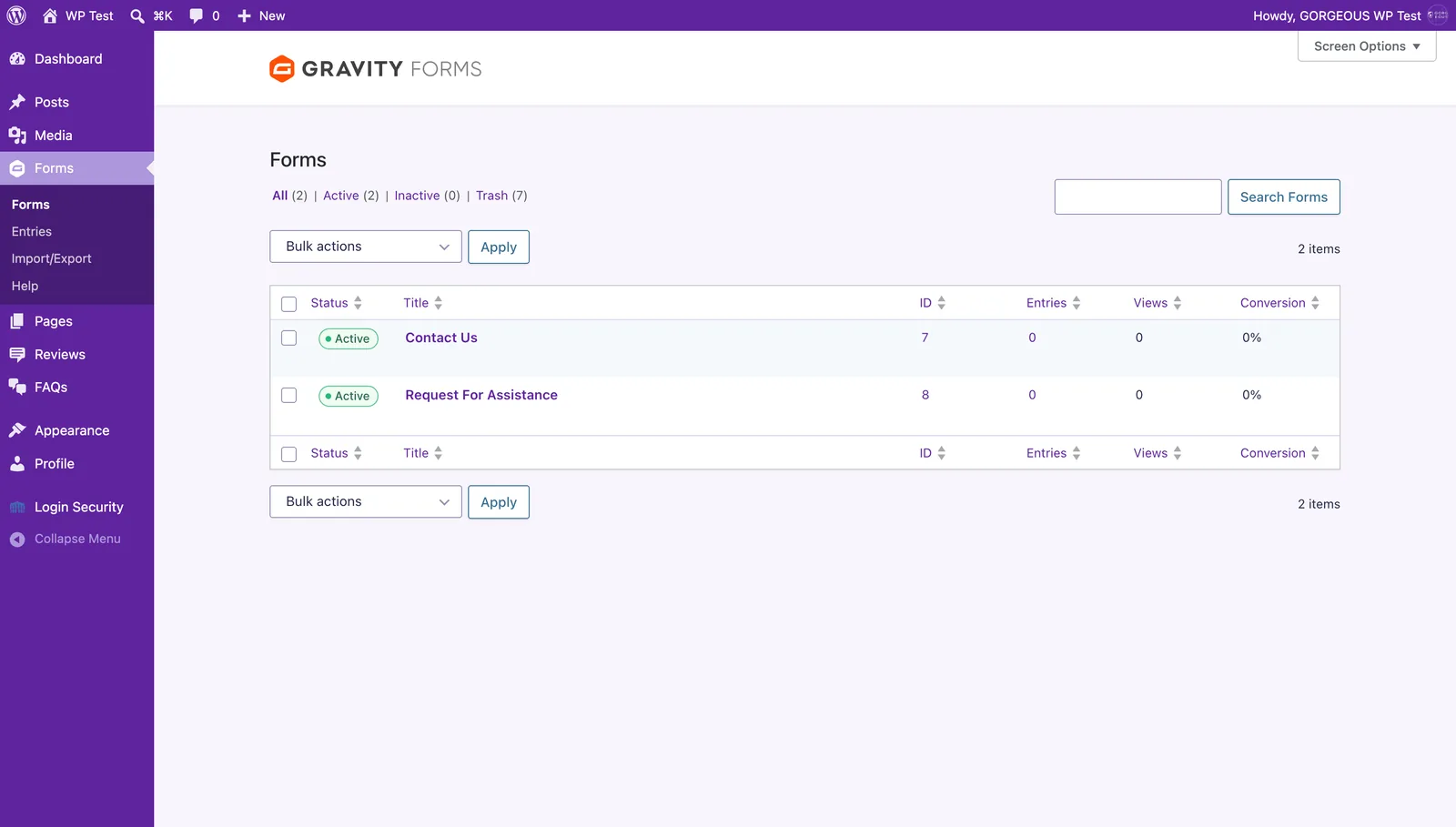
- In the left menu, click
Formsto see every form on your site. - Click a form’s name to open it in the editor.
- Drag a field from
Add Fieldson the right into the form, or click an existing field to edit its label and settings. - Click
Save Form(top-right) when you’re done. - To read what people submitted, open the form and click the
Entriestab.