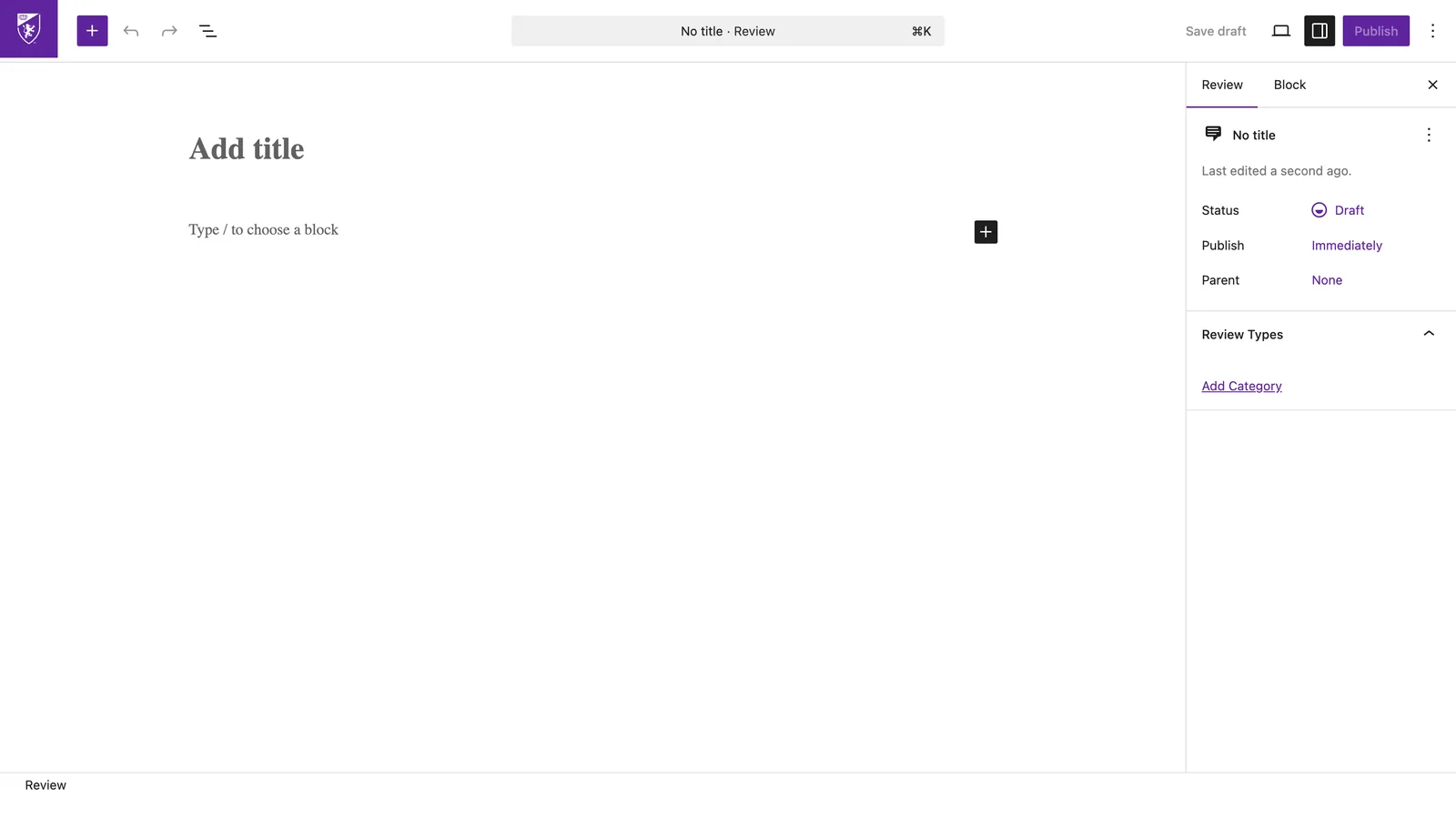
- In the left menu, click
Pages, find your page, and click Edit. - Click any text and type — it edits in place, just like a document.
- Click the + button to add a heading, image, button, and so on. Each of these is a block.
- Select text to get a small toolbar for bold, links, and alignment.
- Click
Previewto see it live, thenUpdate(top-right) to save.
Nothing goes live until you press Publish or Update. Made a mess? Just leave without updating and your page stays exactly as it was.