FAQs are the question-and-answer entries shown in your site’s FAQ section. Here is how to add one and edit it later.
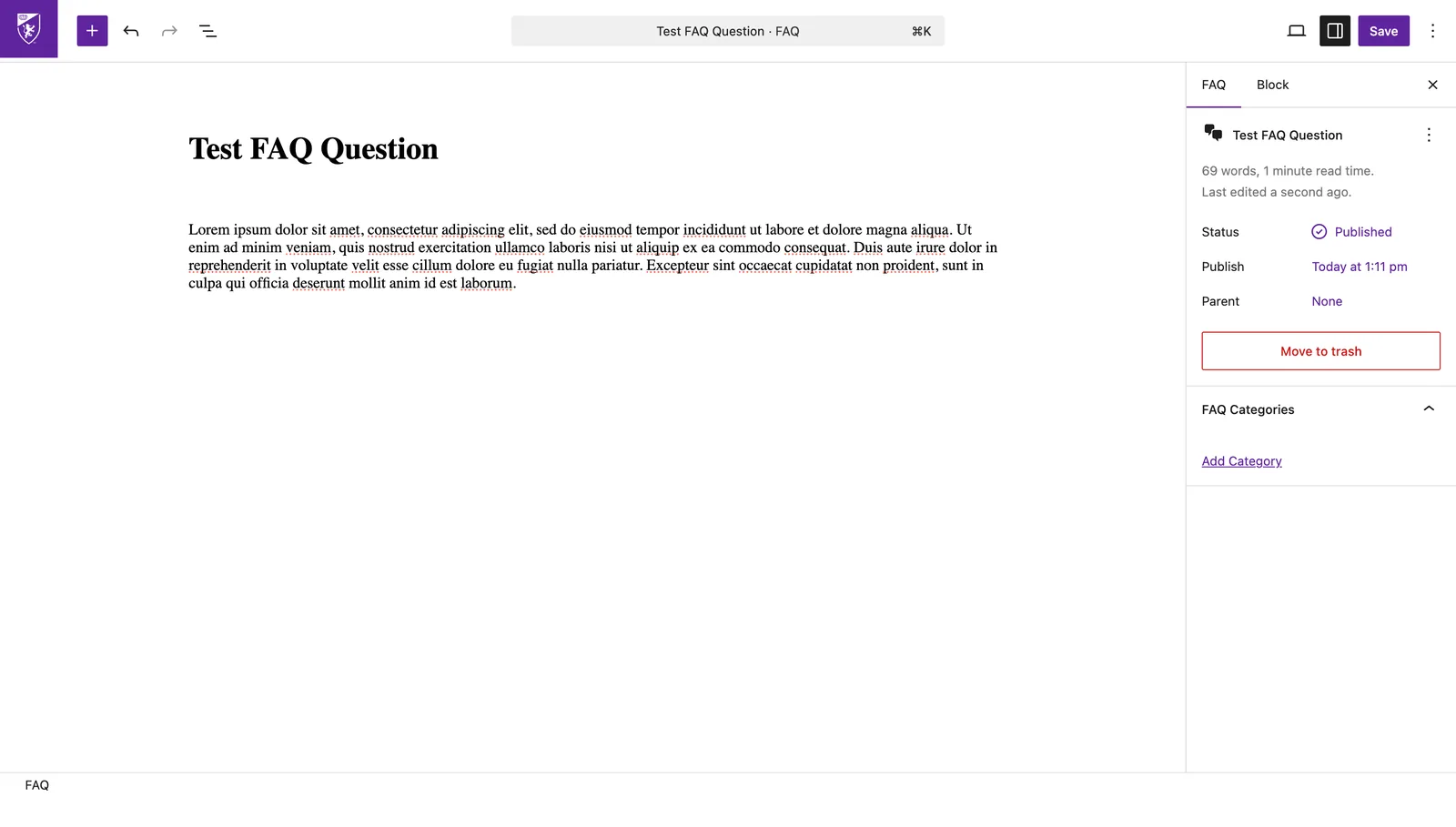
- In the left menu, click
FAQs→Add New. - Type the question as the title, then write the answer in blocks below.
- In the settings panel, pick a
FAQ Categoryto group it with related questions. - Click
Publish(top-right). It appears in your site’s FAQ section right away. - To change one later:
FAQs→ click its title → edit →Update.