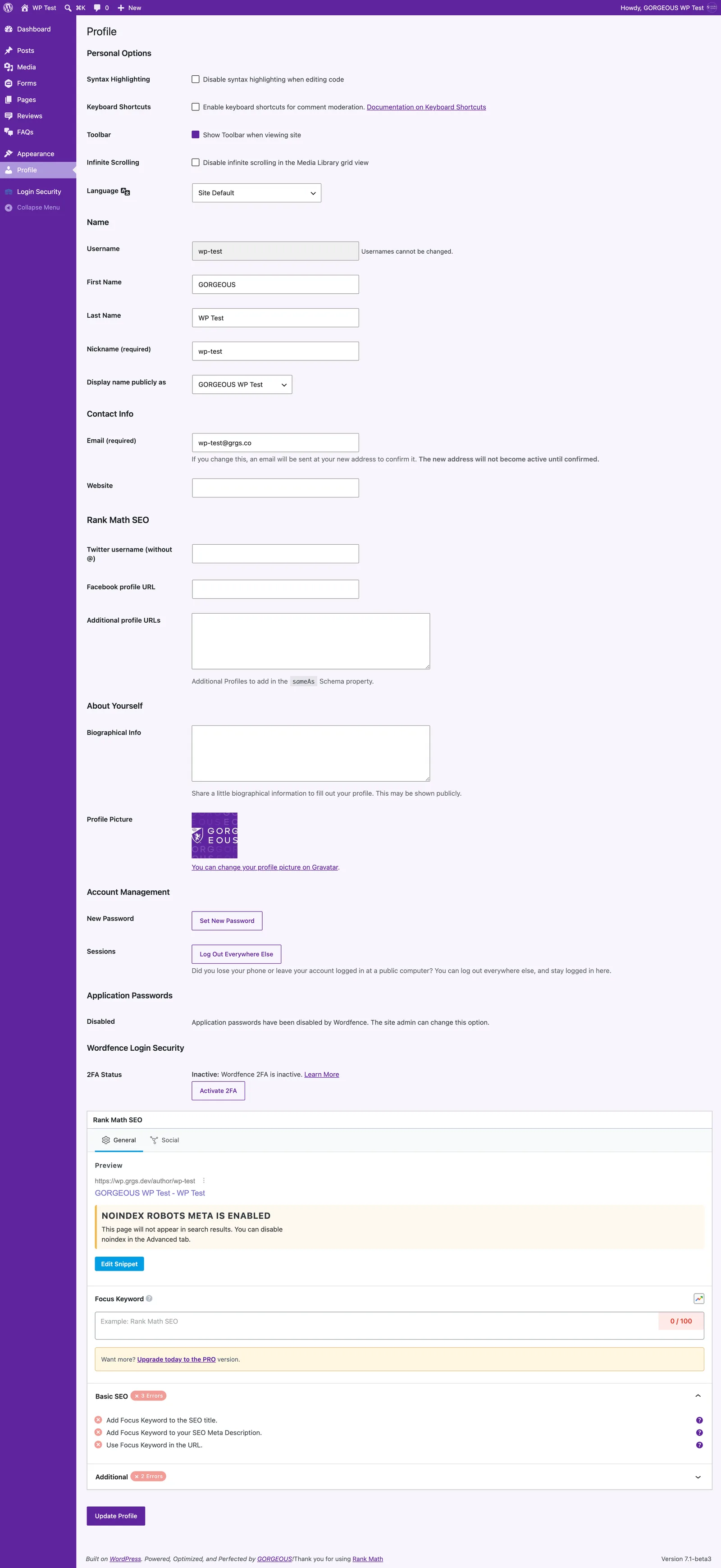
- In the left menu, click
Profile. - Scroll to Account Management and click
Set New Password. - Enter a strong password (or keep the generated one), then click
Update Profile.
Use a long, unique password — a password manager makes this painless.
Profile.Set New Password.Update Profile.Use a long, unique password — a password manager makes this painless.
Two easy ways to reach us: open a ticket and a real person on our team picks it up, or click "Help & Support" right inside your dashboard.