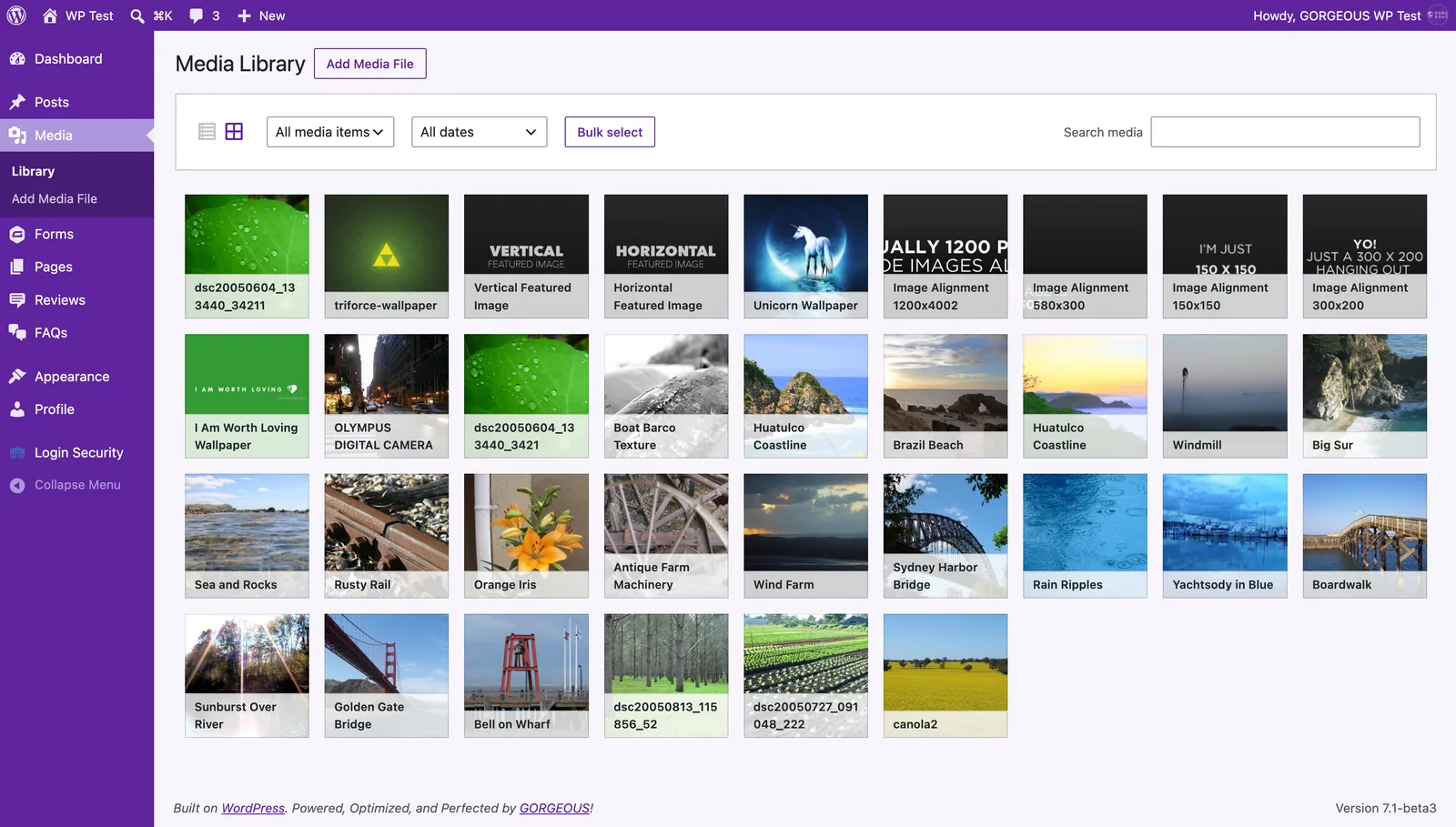
- Open
Mediafrom the menu. ClickAdd New, or drag files straight from your computer onto the page. - Click any image and give it Alt text — a short description of what’s in it.
- To place an image on a page, edit the page, add an Image block, and pick from the library.
Two quick habits: write Alt text (it helps Google and anyone using a screen reader), and upload web-sized images — aim for under ~500 KB so pages stay fast.