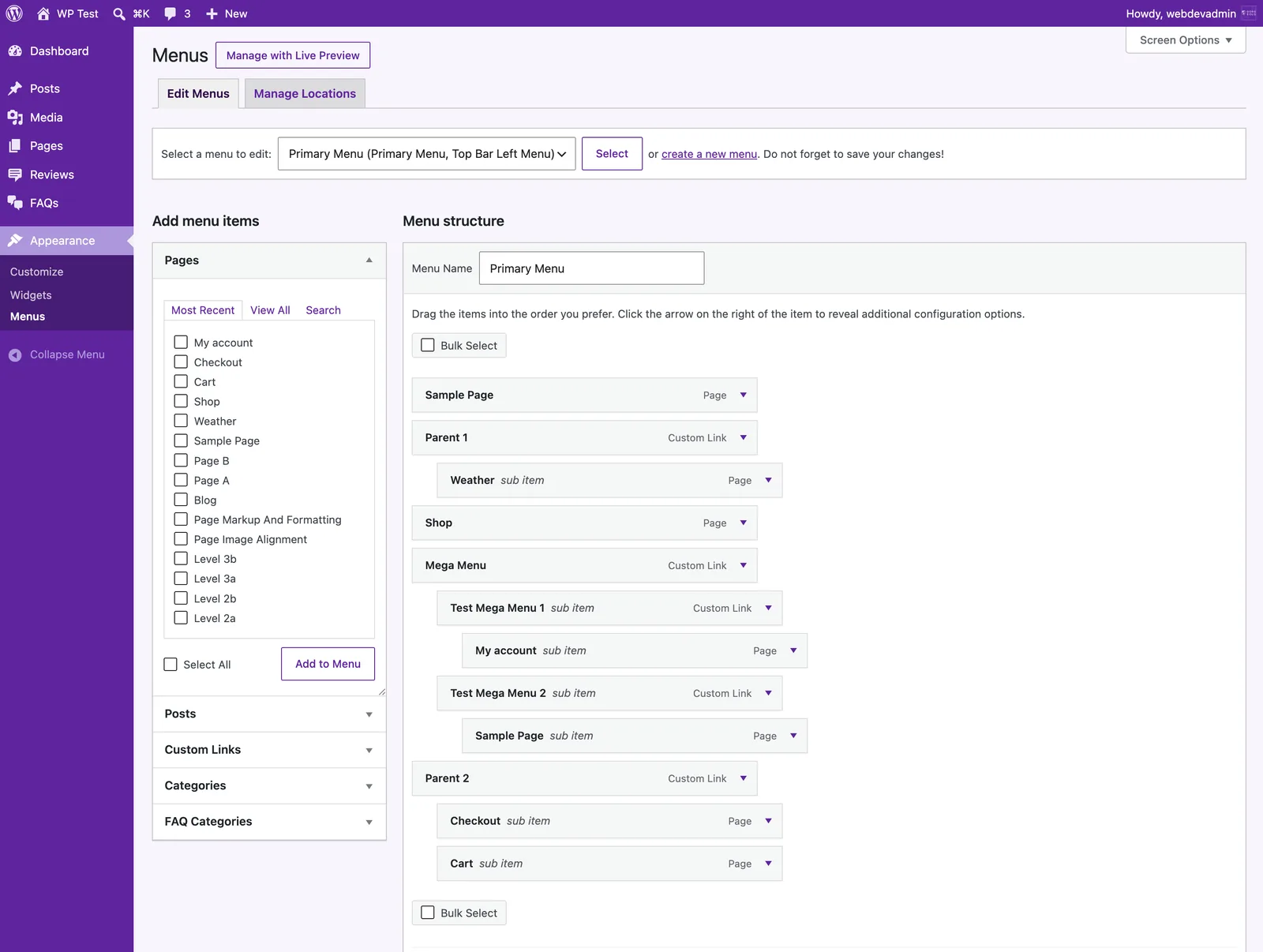
- Go to
Appearance→Menus. - Pick the menu to edit (usually your main/header menu).
- From the panels on the left, tick the pages or links you want and click Add to Menu.
- Drag items up or down to reorder; drag one slightly right to nest it as a dropdown.
- Click
Save Menu— changes go live right away.